For designers Creating characters
Overview

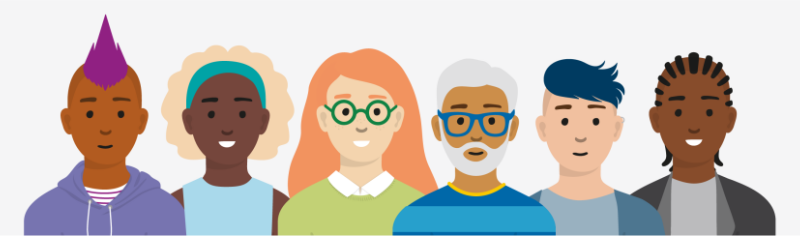
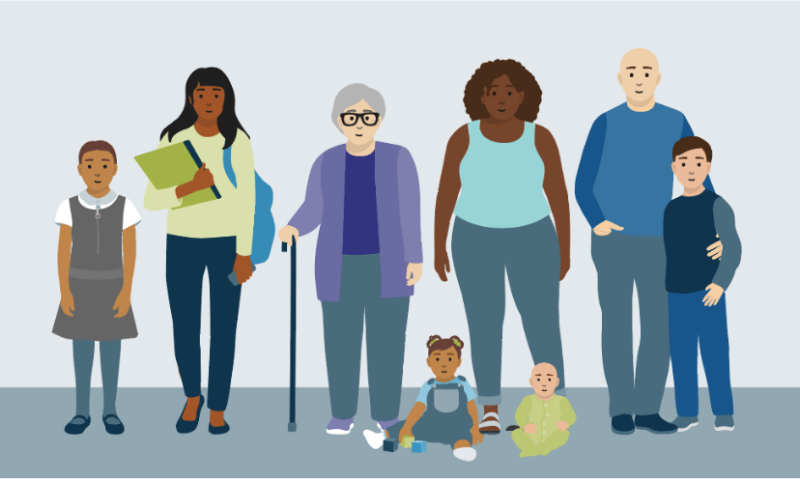
The inclusive ONS characters were created to represent the diverse population, made up of different cultures, ages, occupations, sizes, disabilities and lifestyles. We want viewers and ONS employees to feel represented. Even though each character has the same simplified, friendly facial features, their personality is portrayed through their hairstyle, clothing and interactions.
We have a library of characters available to designers to include in spot and scenic illustrations, which is always being maintained and added to. We also have a master Illustrator file which includes all signed off characters within their age groups and a specific space for new characters ready for the Illustration Working Group to review.
Creating characters
The characters are based on true-to-life references, with simplified, smooth shapes making up the bodies and clothing. The figures are realistically proportionate and natural, combined with our cartoon-style character face. We have a library of character heads at different positions and ages which are made to be combined easily with different figures. Babies and toddlers have different head styles compared to teenagers and adults.
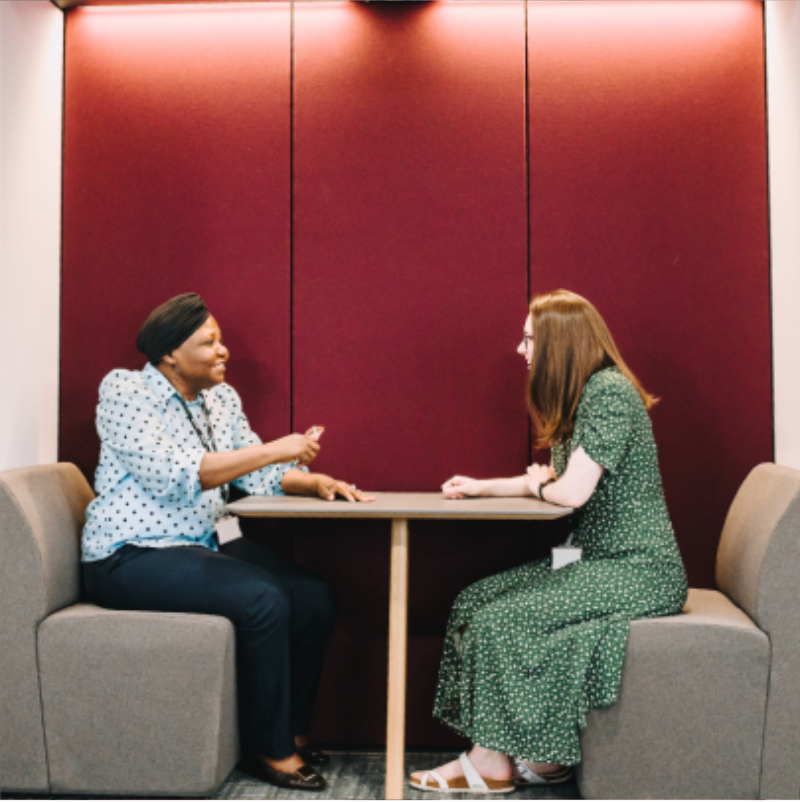
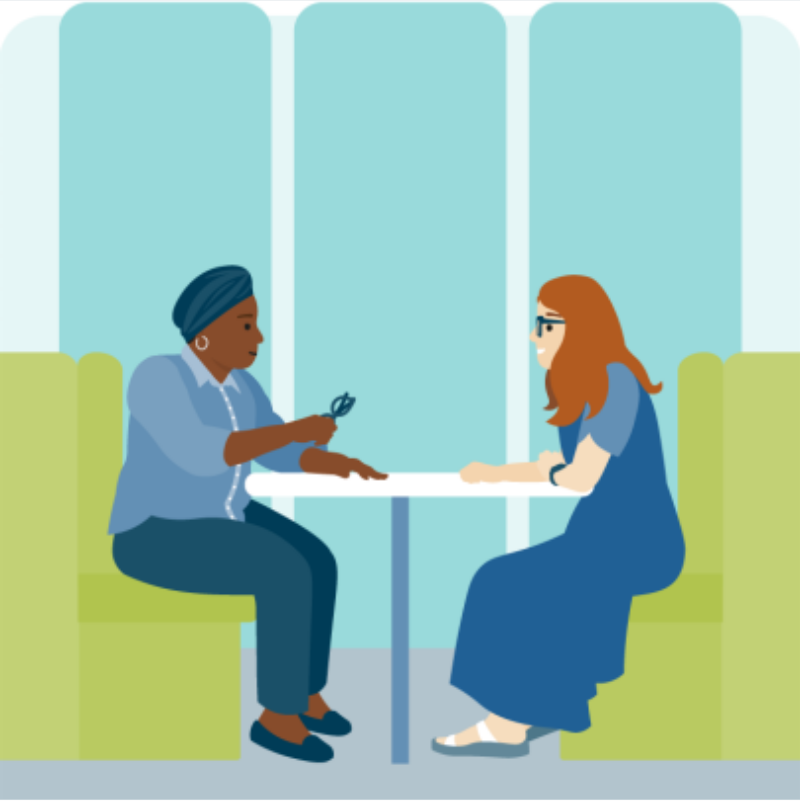
- Find a reference photo which includes the whole figure in a relevant pose. Keep our aim to be diverse and inclusive in mind when selecting imagery.
- Create your new character within the “Character-library_MASTER.ai” file saved within the Illustrations folder on the shared Google Drive. Use our existing library to ensure they are scaled correctly and are consistent in style.
- Start by drawing the limbs of your character, separating them at the joints so they are modular. If struggling with hands and feet, you can copy elements from existing characters and add to your new character. When doing this, refer back to original photos to ensure the positioning and scale makes sense.
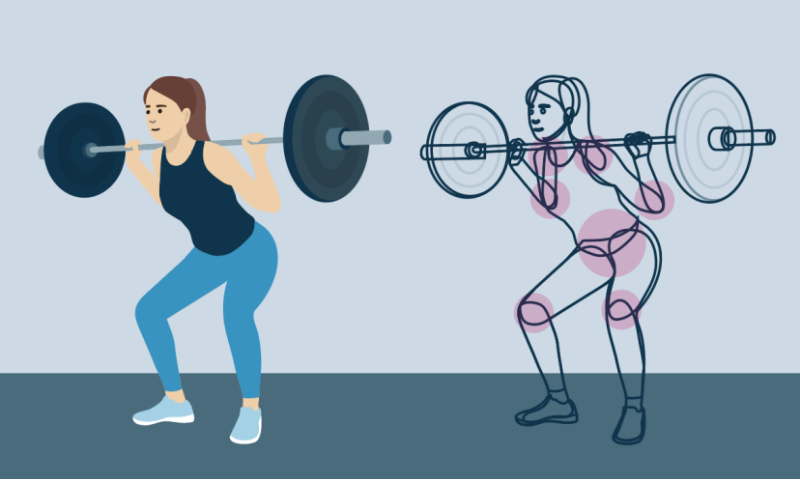
- Focus on drawing basic, smooth shapes with minimal anchor points. Imitate the flow of clothing but avoid including extreme creases and folds. If layering clothing, try to include the full element underneath to allow maximum flexibility when re-using character assets. Avoid using line strokes.
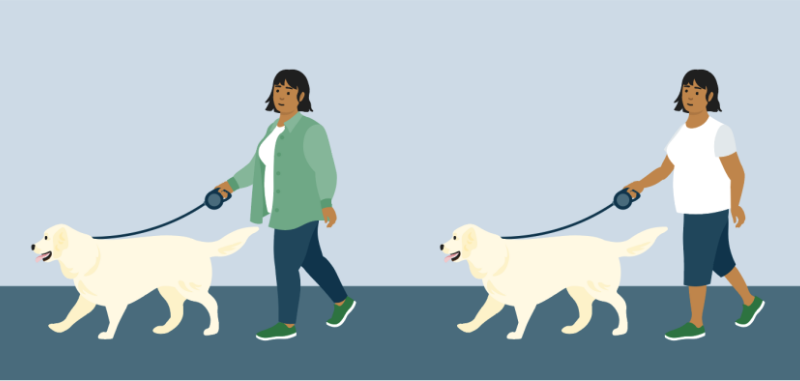
- To create dimension where necessary, use varied tints of colour. Where arms and legs sit over the body or each other, adjust the colour tint to be 10% lighter.
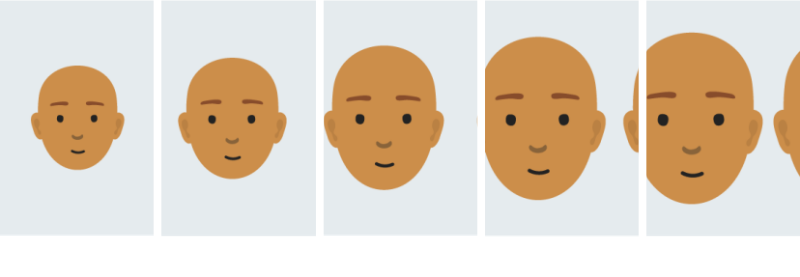
- Add our ready-made character heads to the drawn body, again, using existing characters as reference points for scaling and positioning. You can re-use hairstyles or use reference photos to create your own. Baby, toddler and children heads have their own variations and are scaled differently. Baby heads are the same style as toddler heads but scaled down at 85%. Child heads are the same style as adult heads, scaled down at 85% and teenager heads are adult heads scaled down at 95%.
Scaling characters
When including characters in scenes or spot illustrations, make sure to scale them as you would see people in real-life settings. They should be integrated into the environment and seen interacting with their surroundings. Imagine taking a photo of the scene you're trying to create and think about what the focal points would be. Use scale to present those focal points to the viewer.
- When placing multiple people, ensure they all scale the same initially and are in proportion with each other first.
- Use foreground objects and shapes as anchor points. These anchor points should help scale characters, ensuring they are in proportion to the scene and not floating.
- If you want the characters to be a main focal point, scale them larger to represent them being ‘closer’ to your imaginary camera lens. The scene in the background will be smaller and knocked back in colour.
- If your scene includes a larger foreground with multiple characters at different depths, ensure the difference in scaling is subtle to represent this and keep them anchored (i.e. interacting with shop on a footpath or playing on a patch of grass).
For more guidance on creating scenes, read the ‘Building compositions’ page.

Skin tones and face colouring
To represent the diversity of the population, we use a broad range of skin tones from our people tone colour palette.
People are made using a singular base colour from the people tone colour palette. All of our character heads are made ready to drop onto your character. You can find them in the “Master library” folder within the RGB character Google drive folder.
To create the skin shadow and ear definition, we use black at 10% opacity, multiplied on top of the skin's base colour. Eyes and closed mouths are black and the nose is black, set at 40% opacity, multiplied. When using People tone 5 and People tone 6, the nose should be set at 20% opacity. For open mouths, we use white at 100% opacity.
Head to our colour page (opens in a new tab) to view our full colour palette, including the skin tones.
The people tone palette has been created to ensure colours are used consistently across illustrations of people. The people tones can be used in the content of skin tone as well as hair colour. They should not be used in other contexts.
Hair colour
When adding hairstyles to our characters, our people tone, primary palette and secondary colour palettes can be interchanged to create greater variations. People tone 7 should be used as a dark brown option for hair rather than a skin tone due the lack of contrast when overlaying the facial features.